




Can a UPS Battery Backup be used with a NAS device?
 Sep 29, 2025|
 Hey there! As a supplier of UPS Battery Backup, I often get asked whether a UPS Battery Backup can be used with a NAS device. Well, the short answer is yes, and in this blog, I'll dive deep into why it's a great idea and how it all works.
First off, let's talk about what a NAS device is. A Network - Attached Storage (NAS) device is like a personal cloud storage system for your home or office. It allows multiple users to access and share files over a network. It stores a ton of important data, like family photos, business documents, and media files. Losing this data can be a real nightmare, right? That's where a UPS Battery Backup comes in.
A UPS Battery Backup is a device that provides emergency power to your electronics when the main power source fails. It's like having a little power reservoir ready to kick in when needed. When the power goes out suddenly, a UPS Battery Backup gives your NAS device enough time to shut down properly. This is crucial because an abrupt power cut can corrupt the data on your NAS, leading to data loss or system malfunctions.
Now, let's get into the technical side of things. NAS devices usually have a power consumption that can vary depending on the model and how it's configured. Most consumer - grade NAS devices consume between 10 to 50 watts of power. When choosing a UPS Battery Backup for your NAS, you need to consider the power rating of the UPS. You want a UPS that can handle the power requirements of your NAS device. A general rule of thumb is to choose a UPS with a power rating that is at least 20 - 30% higher than the power consumption of your NAS. This gives you some buffer and ensures that the UPS can handle any sudden spikes in power usage.
Another important factor is the runtime of the UPS. The runtime is how long the UPS can power your NAS device after the main power goes out. This depends on the capacity of the UPS battery and the power consumption of the NAS. For example, if your NAS consumes 20 watts and you have a UPS with a battery capacity that can supply 100 watt - hours of power, the theoretical runtime would be 5 hours (100 watt - hours divided by 20 watts). However, in real - world scenarios, there are some energy losses, so the actual runtime will be a bit less.
There are also different types of UPS Battery Backups. The most common types are Standby UPS (SPS) and Online UPS. A Standby UPS is more affordable and is suitable for most home and small - office NAS setups. It switches to battery power when it detects a power outage. An Online UPS, on the other hand, continuously provides power from the battery, and the main power is used to charge the battery. It offers more stable power and faster response times, but it's also more expensive. For a NAS device that stores extremely critical data, an Online UPS might be a better choice.
Using a UPS Battery Backup with your NAS also has some other benefits. It can protect your NAS from power surges. Power surges can occur when the power comes back on after an outage or due to lightning strikes. These surges can damage the sensitive electronics inside your NAS. A UPS Battery Backup acts as a surge protector, absorbing the excess voltage and protecting your device.
Moreover, a UPS Battery Backup can also help in maintaining the temperature of your NAS device. When the power goes out, the fans in the NAS stop working, which can cause the device to overheat. With a UPS, the fans can keep running for a while, allowing the NAS to cool down gradually during a power outage.
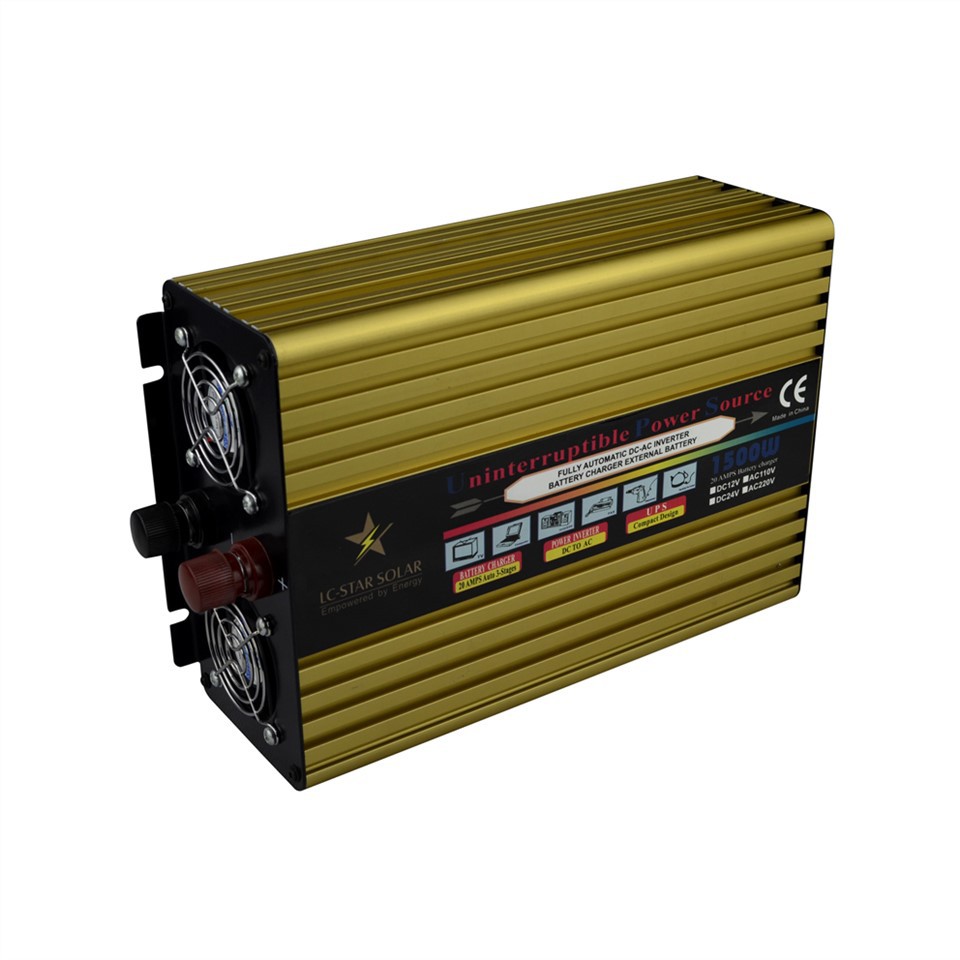
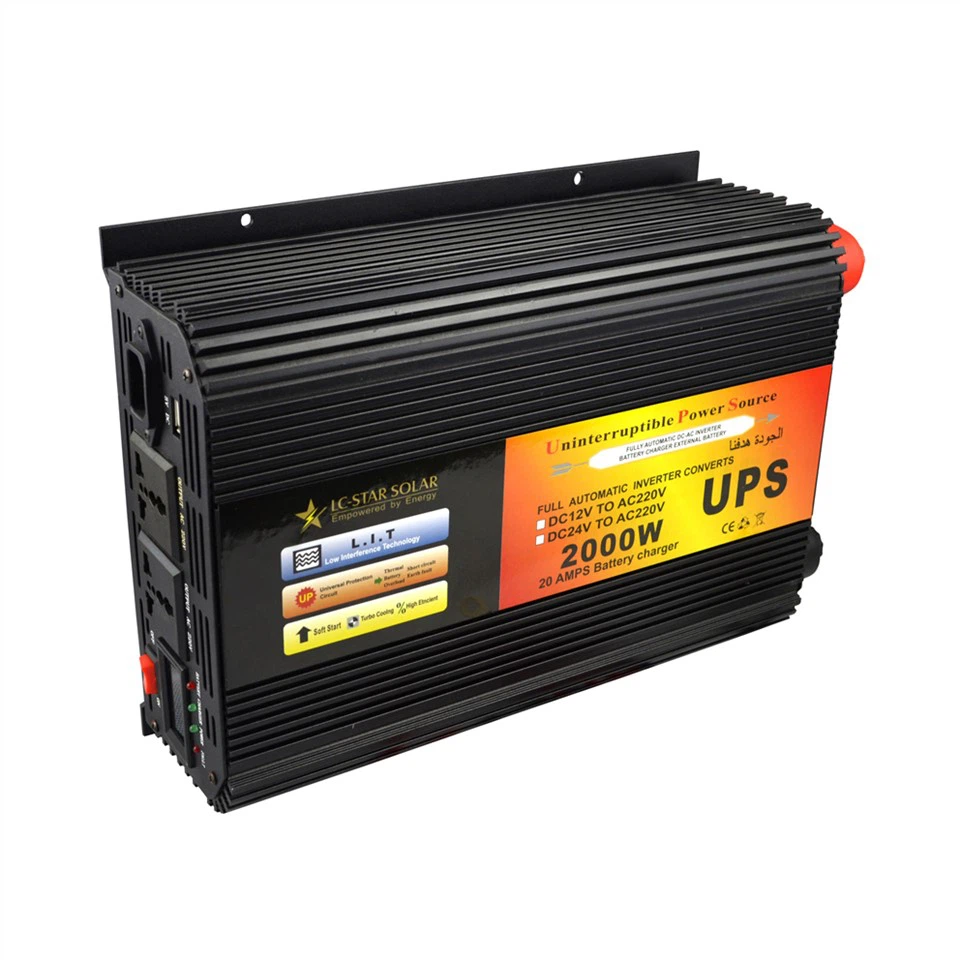
If you're running a business and using a NAS for storing important business data, a Emergency Power Supply like a UPS Battery Backup is not just a nice - to - have; it's a must - have. It ensures business continuity. You don't want your employees to lose access to critical files in the middle of an important project because of a power outage. With a UPS, you can keep your NAS running long enough to transfer operations to a secondary power source or to shut down the system properly.
In addition to protecting your data, a UPS Battery Backup also provides Reliable Backup Power. You can have peace of mind knowing that your NAS device is protected against unexpected power interruptions. Whether it's a short - term power glitch or a long - term blackout, your data is safe.
So, if you're still on the fence about whether to use a UPS Battery Backup with your NAS device, I highly recommend it. It's a small investment that can save you from a lot of headaches in the long run.
Now, if you're interested in purchasing a UPS Battery Backup for your NAS device, I'd love to help you out. We have a wide range of UPS Battery Backups that are suitable for different types of NAS devices. Whether you have a small home - use NAS or a large - scale business NAS, we've got the right solution for you. Just reach out, and we can discuss your specific needs and find the perfect UPS for your setup.
References:
- General knowledge about UPS and NAS devices from industry experience and common technical literature.
- Power consumption data of NAS devices from manufacturer specifications.