




Can a UPS Battery Backup power a projector?
 Jul 17, 2025|
 Can a UPS Battery Backup power a projector?
Hey there! As a supplier of UPS Battery Backup, I get this question a lot: Can a UPS Battery Backup power a projector? Well, let's dive right in and break it down.
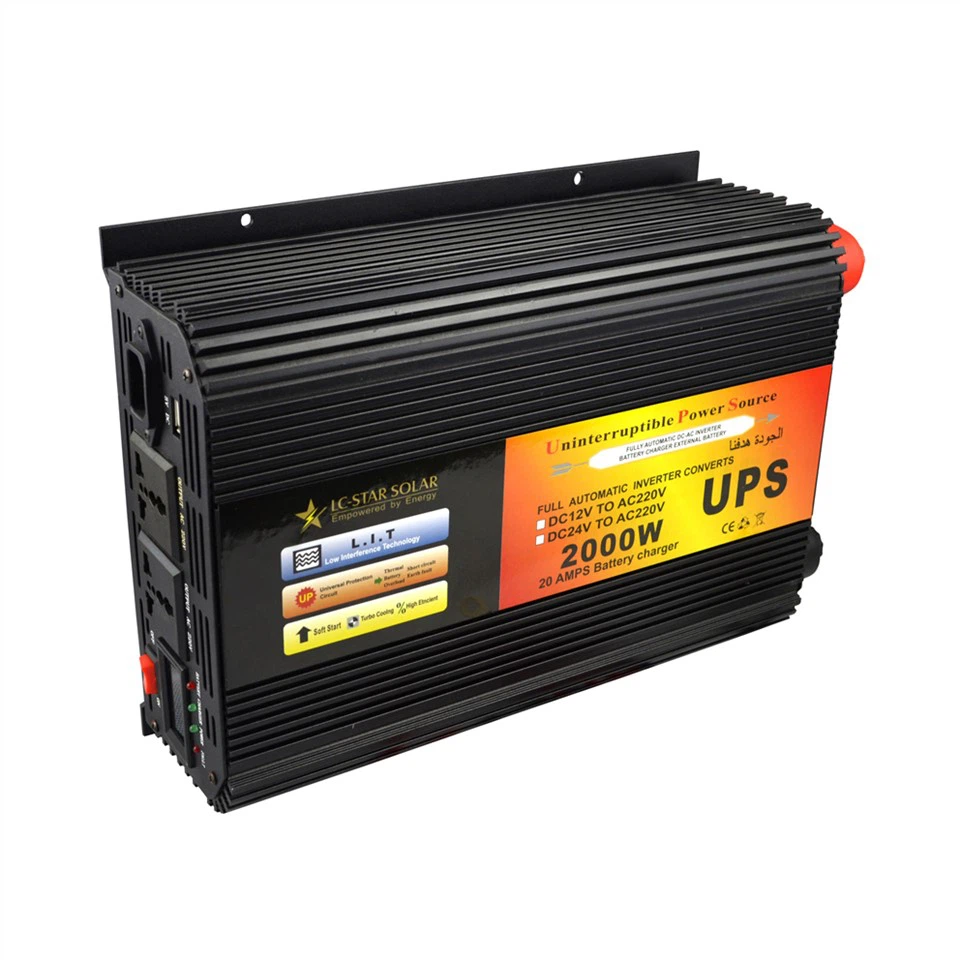
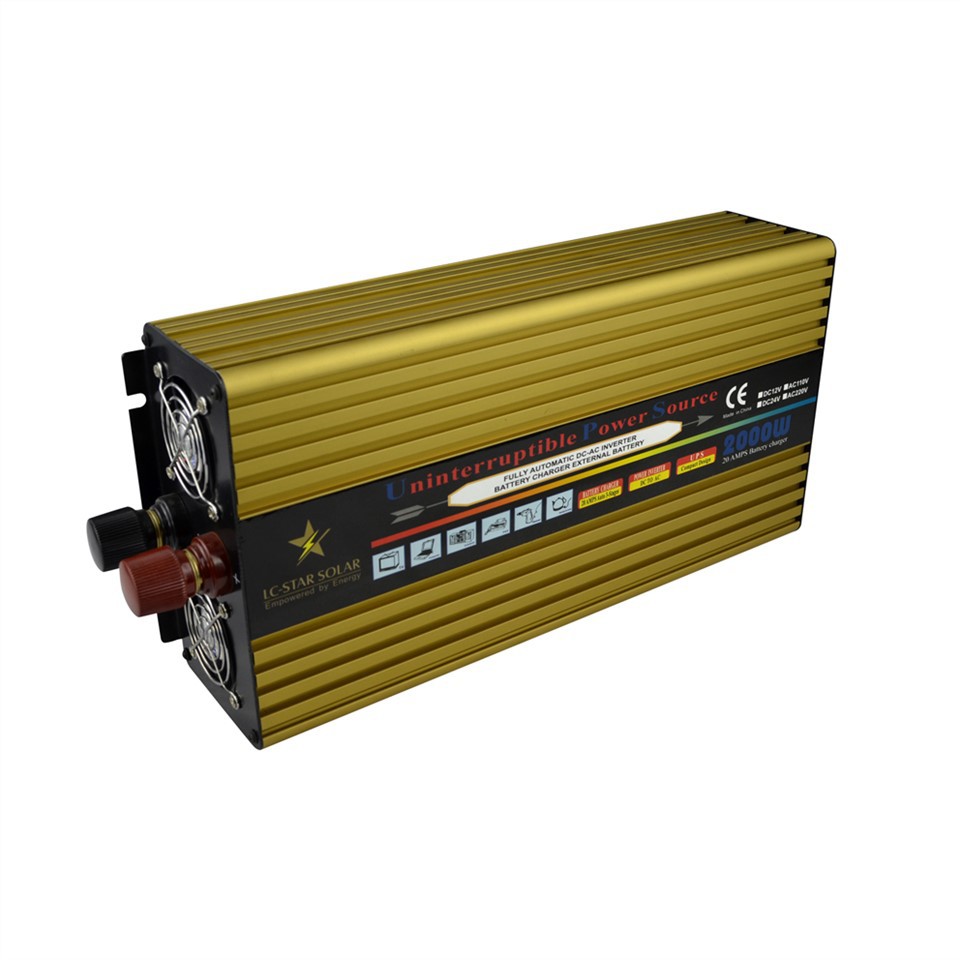
First off, what's a UPS Battery Backup? It's basically a device that provides emergency power to your electrical equipment when the main power source fails. Think of it as a safety net for your gadgets. It stores electrical energy in its batteries and then releases it when needed. There are different types out there, like the True Sine Wave Uninterruptible Power Supply, which is great for sensitive electronics, and the Emergency Power Supply, which is designed for more general emergency use.
Now, let's talk about projectors. Projectors come in all shapes and sizes, and they have different power requirements. Some small, portable projectors might only need around 30 - 50 watts of power, while larger, high - end ones can consume 300 watts or more. The power consumption of a projector depends on factors like its brightness (measured in lumens), the type of lamp or light source it uses (e.g., LED, halogen, or laser), and its features (like built - in speakers, wireless connectivity, etc.).
So, can a UPS Battery Backup power a projector? The short answer is: it depends.
If you have a small, low - power projector, there's a good chance that a decent UPS Battery Backup can handle it. For example, a small UPS with a capacity of around 300 - 500 VA (volt - amperes) might be able to power a 30 - 50 watt projector for a short period, maybe 15 - 30 minutes. This can be really useful in case of a sudden power outage during a presentation or a movie night. You'll have enough time to gracefully shut down the projector or finish up what you're doing.
However, if you have a large, high - power projector, things get a bit more complicated. A high - end projector that consumes 300 watts or more will require a much larger and more powerful UPS Battery Backup. You'll probably need a UPS with a capacity of at least 1000 VA or more. And even then, the runtime might be limited. A 1000 VA UPS might only be able to power a 300 - watt projector for 5 - 10 minutes.
To figure out if a UPS can power your projector, you need to know two things: the power consumption of your projector (usually listed in the user manual or on the device itself) and the capacity of the UPS. The capacity of a UPS is usually given in VA, but it's important to note that VA and watts are not the same. In general, for most UPSs, you can assume that the real - world power output (in watts) is about 60 - 80% of the VA rating. So, a 500 VA UPS might have a real - world power output of around 300 - 400 watts.
Another thing to consider is the type of load. Projectors are considered non - linear loads because they use electronic components like transformers and capacitors. Some UPSs are better at handling non - linear loads than others. The True Sine Wave Uninterruptible Power Supply is a great choice for projectors because it provides a clean and stable power output, just like the power from the main grid. This can help protect your projector from damage and ensure smooth operation.
Here are some steps to follow if you're thinking about using a UPS Battery Backup for your projector:
- Check the power consumption of your projector: Look for the wattage rating on the projector itself or in the user manual.
- Determine the runtime you need: Decide how long you want the projector to run on the UPS in case of a power outage. This will depend on your specific needs, like whether it's for a short presentation or a longer movie screening.
- Choose the right UPS: Based on the power consumption of your projector and the runtime you need, select a UPS with an appropriate capacity. Make sure to consider the type of load (non - linear) and choose a UPS that can handle it well.
- Test the setup: Once you've got the UPS and the projector, test the setup to make sure everything works as expected. Plug the projector into the UPS and simulate a power outage to see how long the projector runs and how it performs.
In conclusion, a UPS Battery Backup can power a projector, but you need to choose the right one based on your projector's power requirements and your specific needs. If you're not sure which UPS is right for your projector, don't hesitate to reach out to us. We've got a wide range of UPS Battery Backups, from small, portable ones to large, industrial - grade units. Our team of experts can help you find the perfect solution for your situation. Whether you're a business owner looking to keep your presentations running smoothly or a home theater enthusiast wanting to avoid disruptions during movie nights, we've got you covered.
If you're interested in purchasing a UPS Battery Backup for your projector or have any questions about our products, we'd love to hear from you. Contact us for a free consultation and let's discuss how we can meet your power backup needs.
References
- Various projector user manuals
- UPS Battery Backup product specifications