




How to troubleshoot problems with reliable backup power?
 Nov 26, 2025|
In today's technology - driven world, a reliable backup power supply is not just a luxury but a necessity. Whether it's for a small home office, a large commercial establishment, or critical infrastructure, having a backup power source ensures that operations can continue seamlessly during power outages. As a supplier of reliable backup power solutions, I've encountered numerous problems and successfully resolved them. In this blog, I'll share some insights on how to troubleshoot problems with reliable backup power.
Understanding the Basics of Backup Power Systems
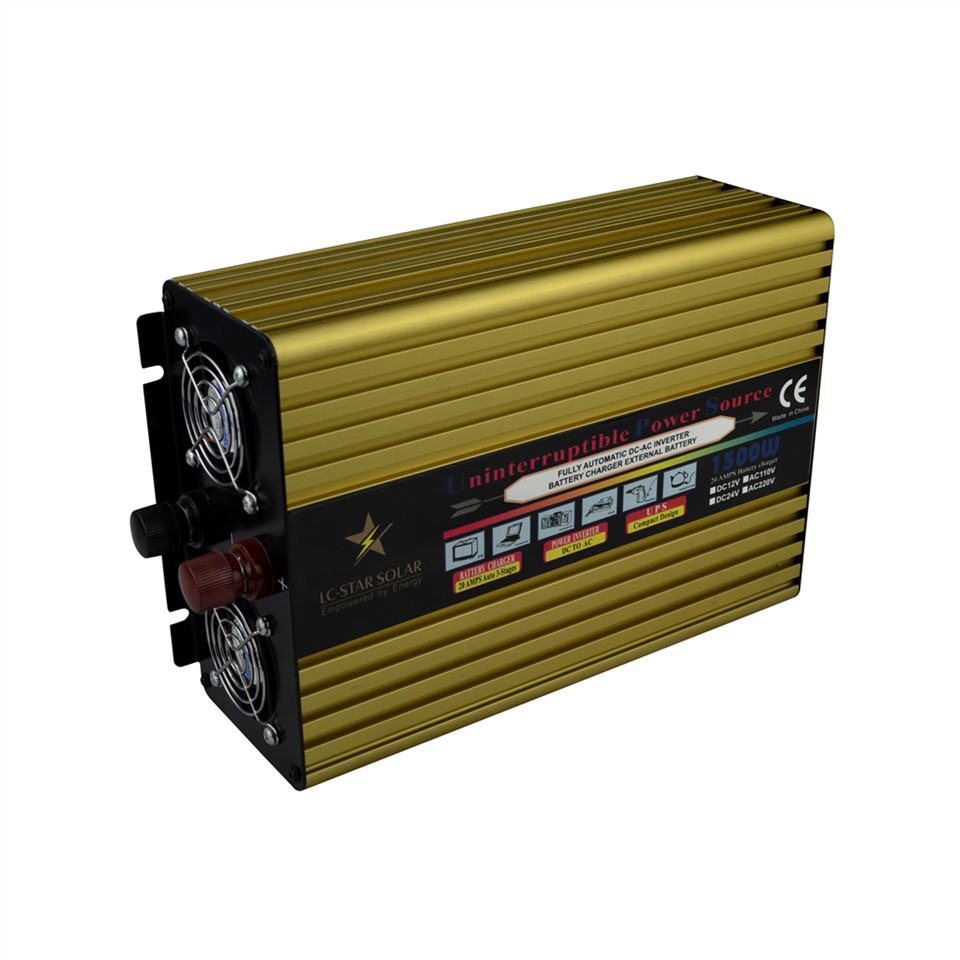
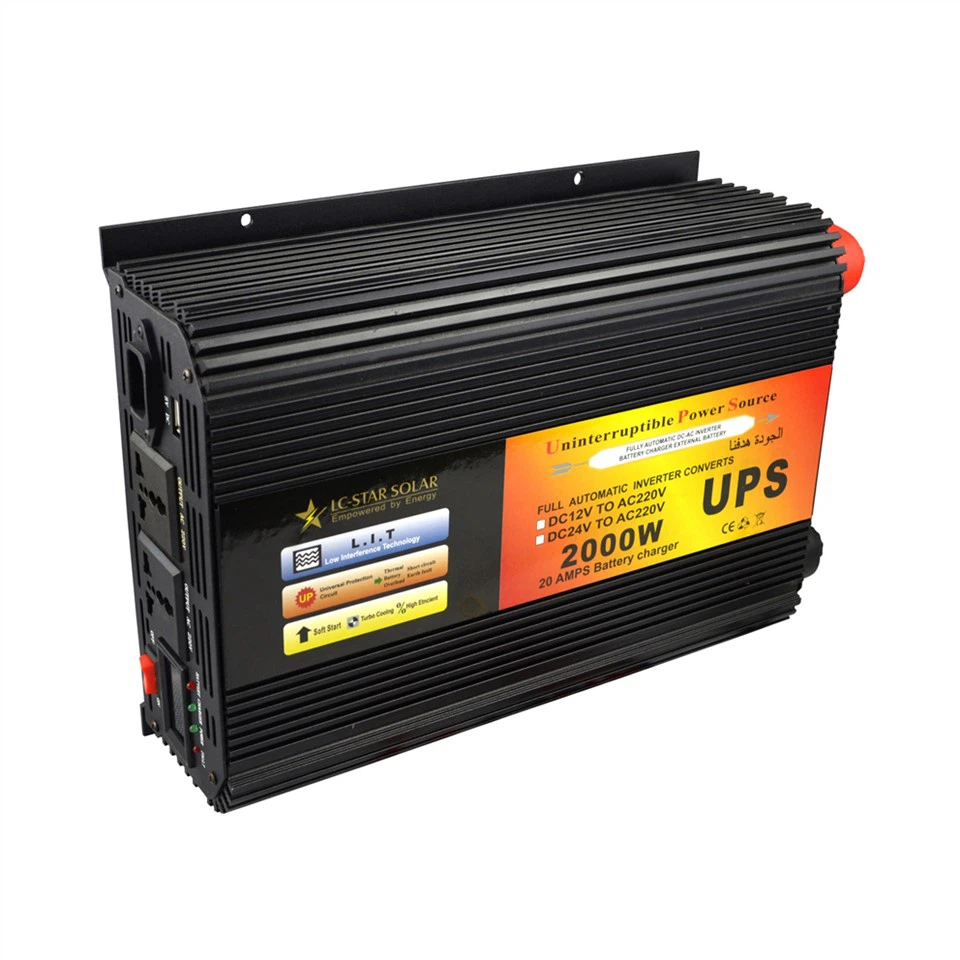
Before delving into troubleshooting, it's essential to understand the different types of backup power systems we offer. We have a range of products, including True Sine Wave Uninterruptible Power Supply, UPS Battery Backup, and Emergency Power Supply.
True Sine Wave Uninterruptible Power Supplies are designed to provide clean and stable power, which is crucial for sensitive electronic equipment. UPS Battery Backups offer short - term power during outages, giving you enough time to save your work and shut down systems properly. Emergency Power Supplies, on the other hand, are more suitable for larger applications and can provide power for an extended period.
Common Problems and Troubleshooting Steps
1. No Power Output
One of the most common issues is when the backup power system fails to provide any power output.
- Check the Input Power Source: First, verify that the main power supply to the backup power system is working. Sometimes, a tripped circuit breaker or a loose power cord can cause this problem. Make sure the power cord is securely plugged into both the wall outlet and the backup power unit.
- Inspect the Battery: If the input power is fine, the next step is to check the battery. A dead or damaged battery can prevent the system from providing power. Look for signs of corrosion on the battery terminals. If corrosion is present, clean it using a mixture of baking soda and water. Also, check the battery voltage using a multimeter. If the voltage is significantly lower than the rated voltage, the battery may need to be replaced.
- Examine the Circuitry: In some cases, a fault in the internal circuitry can lead to no power output. This is a more complex issue and may require professional assistance. However, you can visually inspect the circuit board for any signs of burnt components or loose connections.
2. Short Backup Time
If your backup power system is only providing power for a very short time, it could be due to several reasons.
- Battery Capacity: Over time, the battery capacity of a backup power system decreases. If the battery is old, it may not be able to hold a full charge. Consider replacing the battery with a new one of the same specifications.
- Overloading: Check if the connected devices are within the rated capacity of the backup power system. If you are trying to power too many devices or high - power devices, the backup time will be significantly reduced. Remove any unnecessary devices and ensure that the total power consumption of the connected devices is within the limits of the system.
- Battery Temperature: Extreme temperatures can affect the performance of the battery. If the battery is exposed to high temperatures, its capacity will decrease. Make sure the backup power system is installed in a well - ventilated area with a moderate temperature.
3. Alarm or Error Messages
Most modern backup power systems are equipped with alarms and error messages to indicate problems.
- Read the Manual: When you see an alarm or error message, refer to the user manual that came with the system. The manual will provide detailed information about what the message means and how to resolve the issue.
- Check the Status Indicators: Many systems have status indicators that can give you clues about the problem. For example, a blinking red light may indicate a battery problem, while a steady yellow light could mean a minor issue with the power input.
4. Strange Noises
If your backup power system is making strange noises, it's a sign that something is wrong.
- Fan Issues: A noisy fan is a common cause of strange noises. Check if the fan is clogged with dust or debris. If so, clean the fan using compressed air. If the fan is damaged, it may need to be replaced.
- Internal Component Problems: Other strange noises could be due to problems with internal components such as transformers or capacitors. This is a serious issue and should be addressed by a professional technician.
Preventive Maintenance
To avoid these problems in the first place, regular preventive maintenance is essential.
- Battery Maintenance: As mentioned earlier, the battery is a critical component of the backup power system. Perform regular battery checks, including cleaning the terminals and testing the voltage. Replace the battery as recommended by the manufacturer.
- Cleaning: Keep the backup power system clean and free from dust and debris. Use a soft, dry cloth to wipe the exterior of the unit. If possible, use compressed air to clean the internal components.
- Load Testing: Periodically perform load testing on the backup power system to ensure that it can handle the connected devices. This will help you identify any potential problems before they become serious.
Conclusion
Troubleshooting problems with reliable backup power systems requires a basic understanding of how these systems work and a systematic approach to problem - solving. By following the steps outlined in this blog, you can identify and resolve many common issues. However, if you encounter a problem that you are unable to solve, don't hesitate to seek professional help.
As a supplier of reliable backup power solutions, we are committed to providing high - quality products and excellent customer service. If you are experiencing problems with your backup power system or are interested in purchasing a new one, we encourage you to contact us for a consultation. Our team of experts can help you choose the right solution for your needs and provide you with the support you need to keep your backup power system running smoothly.
References
- Manufacturer's manuals for backup power systems
- Industry standards and best practices for backup power system maintenance and troubleshooting