




What size inverter do I need to power a laptop?
 Jun 17, 2025|
 Figuring out the right size inverter to power a laptop can seem like a bit of a head - scratcher, but don't worry! As an inverter supplier, I'm here to break it down for you in a simple way.
Understanding Laptop Power Requirements
First things first, we need to know how much power your laptop actually uses. Laptops come in all shapes and sizes, and their power consumption can vary widely. Most standard laptops have power adapters that range from around 45 watts to 90 watts. Ultra - thin and lightweight laptops usually fall on the lower end of this spectrum, while high - performance gaming or workstation laptops tend to use more power.
To find out the exact power requirement of your laptop, you can check the label on the power adapter. It'll usually have a wattage rating (e.g., "65W") printed on it. That number is the maximum amount of power your laptop can draw from the adapter.
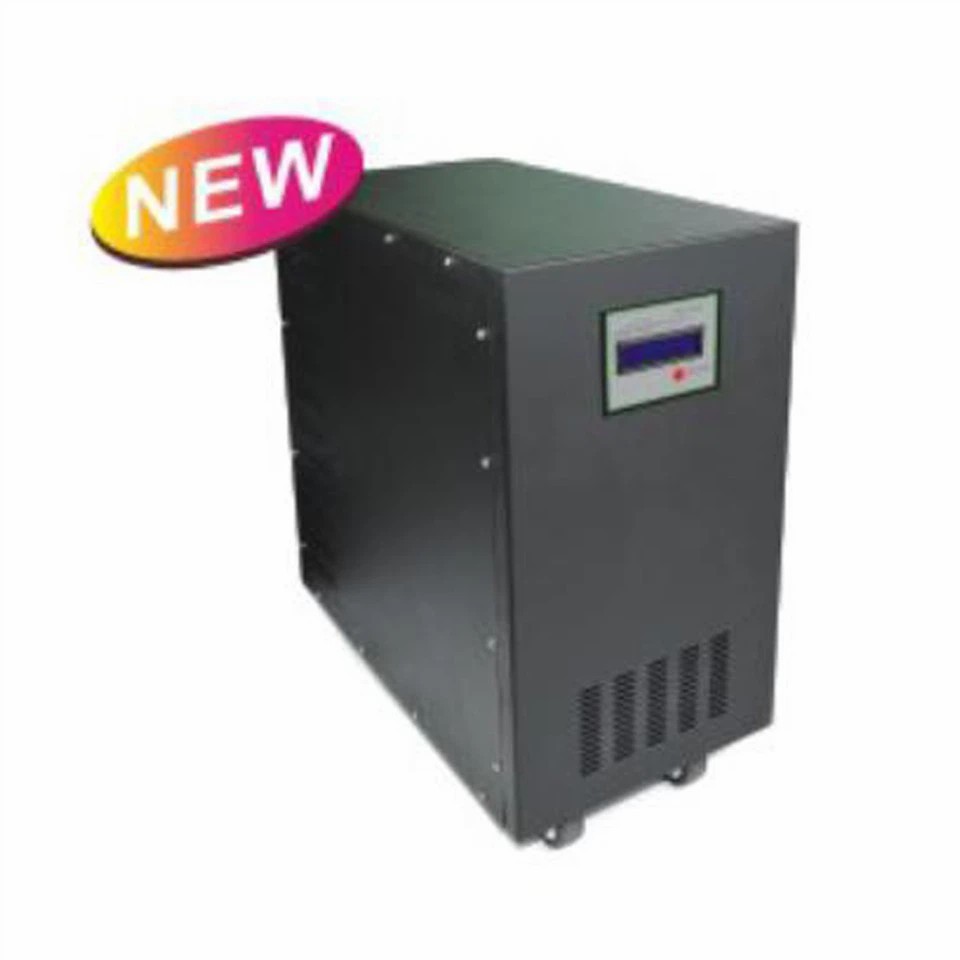

How Inverters Work
Before we dive into sizing, let's quickly understand how inverters work. An inverter is a device that converts DC (direct current) power, like the power you get from a battery or a solar panel, into AC (alternating current) power, which is what most of our household appliances and electronics, including laptops, use.
There are different types of inverters out there, but for powering a laptop, a Pure Sine Wave Power Inverters is the way to go. Pure sine wave inverters produce a smooth and stable AC output that closely mimics the power from the grid. This is important because laptops have sensitive electronics that can be damaged by a poor - quality power supply.
Sizing the Inverter for Your Laptop
When choosing an inverter for your laptop, you want to make sure it can handle the power requirements of your laptop. As a general rule, you should pick an inverter with a continuous power rating that's at least 1.2 to 1.5 times the maximum power consumption of your laptop.
Let's say your laptop has a 65 - watt power adapter. To be on the safe side, you'd want an inverter with a continuous power rating of at least 78 watts (65 x 1.2). This extra capacity gives you a buffer in case your laptop draws more power under heavy load, like when you're running multiple applications or playing a game.
Most inverters also have a peak or surge power rating, which is the maximum amount of power they can deliver for a short period. This is important because when you first turn on your laptop or start a power - hungry program, it might draw a higher amount of power for a few seconds. Make sure the inverter's surge power rating is high enough to handle these brief spikes.
Consider Other Devices
If you plan to power other devices along with your laptop using the same inverter, you'll need to factor in their power requirements as well. For example, if you also want to charge your phone or run a small fan, you'll need to add up the power consumption of all the devices and choose an inverter that can handle the total load.
Let's say your laptop uses 65 watts, your phone charger uses 10 watts, and the small fan uses 20 watts. The total power requirement would be 95 watts. In this case, you'd want an inverter with a continuous power rating of at least 114 watts (95 x 1.2).
Inverter and Solar Panels
If you're planning to use solar panels to power your inverter, you'll need to consider the power output of the solar panels. A 300 Watt Monocrystalline Solar Panel can generate up to 300 watts of power under ideal conditions. However, factors like sunlight intensity, panel orientation, and shading can affect the actual power output.
To ensure your solar panel can keep up with the power demands of your inverter and laptop, you'll need to calculate how much power your laptop and other devices use over a day. Then, you can choose a solar panel or a combination of panels that can generate enough power to meet those needs.
Choosing the Right Inverter Brand and Model
When it comes to choosing an inverter, there are a lot of options on the market. As an inverter supplier, I've seen firsthand the difference that a good - quality inverter can make. Look for an inverter from a reputable brand that offers good customer support and a warranty.
Some inverters come with additional features like built - in surge protection, over - voltage protection, and low - battery protection. These features can help protect your laptop and other devices from damage and ensure the longevity of the inverter.
Installation and Safety
Installing an inverter is relatively straightforward, but it's important to follow the manufacturer's instructions carefully. Make sure you connect the inverter to a suitable battery or power source and that all the connections are secure.
Safety is also a top priority. Keep the inverter in a well - ventilated area to prevent overheating. Avoid overloading the inverter by not connecting more devices than it can handle. And always make sure to turn off the inverter when you're not using it to save power and prevent any potential electrical hazards.
Cost Considerations
The cost of an inverter can vary depending on its power rating, features, and brand. Generally, a small inverter with a continuous power rating of around 100 - 150 watts can cost anywhere from $30 to $100. Larger inverters with higher power ratings will cost more.
When making a purchase decision, don't just focus on the price. Consider the quality, reliability, and features of the inverter. A slightly more expensive inverter that offers better performance and protection can save you money in the long run by preventing damage to your laptop and other devices.
Contact Us for More Information
If you're still not sure what size inverter you need for your laptop or if you have any other questions about inverters, Pure Sine Wave Power Inverters, or solar panels, don't hesitate to reach out. As an inverter supplier, we're here to help you find the right solution for your needs. Whether you're a home user looking to power your laptop during a power outage or a business owner setting up an off - grid power system, we've got the expertise and products to meet your requirements.
We can also provide you with detailed product information, pricing, and installation guidance. So, if you're ready to make a purchase or just want to learn more, drop us a line and let's start the conversation.
References
- "Electrical Engineering for Dummies" by Cathleen Shamieh
- Manufacturer's manuals of various laptop models and inverters.