





What Should You Consider When Choosing a UPS System for Your Needs?
 Jan 24, 2025|
 Uninterruptible Power Supply (UPS) systems are essential for providing backup power during electricity outages, protecting critical equipment from damage due to power surges, and maintaining smooth operations in both residential and business environments. When selecting a UPS system, it is important to consider several factors to ensure that it meets your specific needs. Choosing the right UPS system involves evaluating your power requirements, understanding the different types of UPS systems, and accounting for various features such as battery life, size, and cost.
What Are Your Power Requirements?
Before purchasing a UPS, the first and most crucial step is to understand the power needs of your equipment. This will help you determine the capacity of the UPS required to keep everything running smoothly during power disruptions.
Assessing Your Equipment's Power Consumption
Each device connected to the UPS will consume a certain amount of power, typically measured in watts (W) or volt-amperes (VA). To calculate the total power requirement, make a list of all the devices that will be connected to the UPS, such as computers, servers, routers, and monitors. Most devices will have a label indicating their power usage, which you can use for this calculation.
For instance, a typical desktop computer may consume 200-300W, while a server might use 500W or more. Adding these values gives you a total wattage, which you can then match to the appropriate UPS.
Duration of Power Supply
In addition to understanding the power requirement, you must consider how long you need the UPS to supply power. For short outages, a basic UPS with a few minutes of battery life may suffice. However, if your equipment needs to remain operational for an extended period, you will need a UPS that can provide backup for longer durations.
It is important to balance the desired runtime with the capacity of the UPS, as longer battery life typically requires larger and more expensive systems. The capacity is often measured in VA, with larger systems offering longer backup durations.
Which UPS Type Best Suits Your Needs?
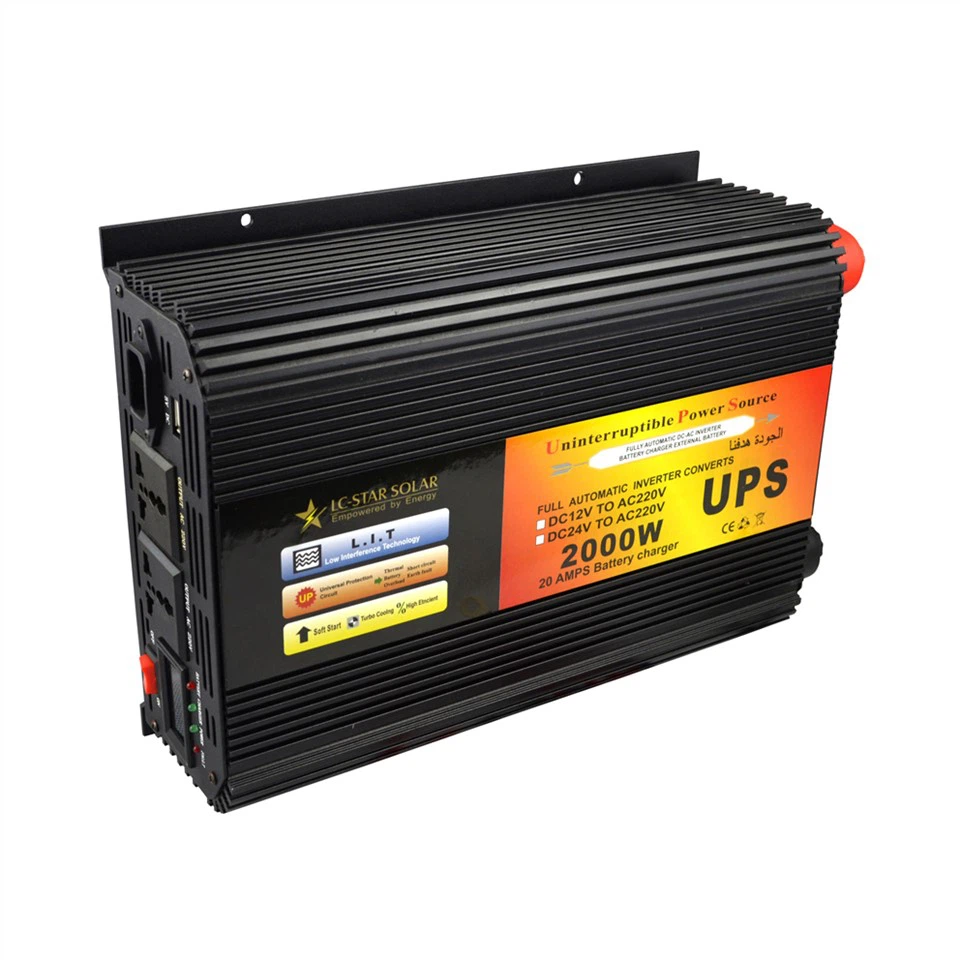
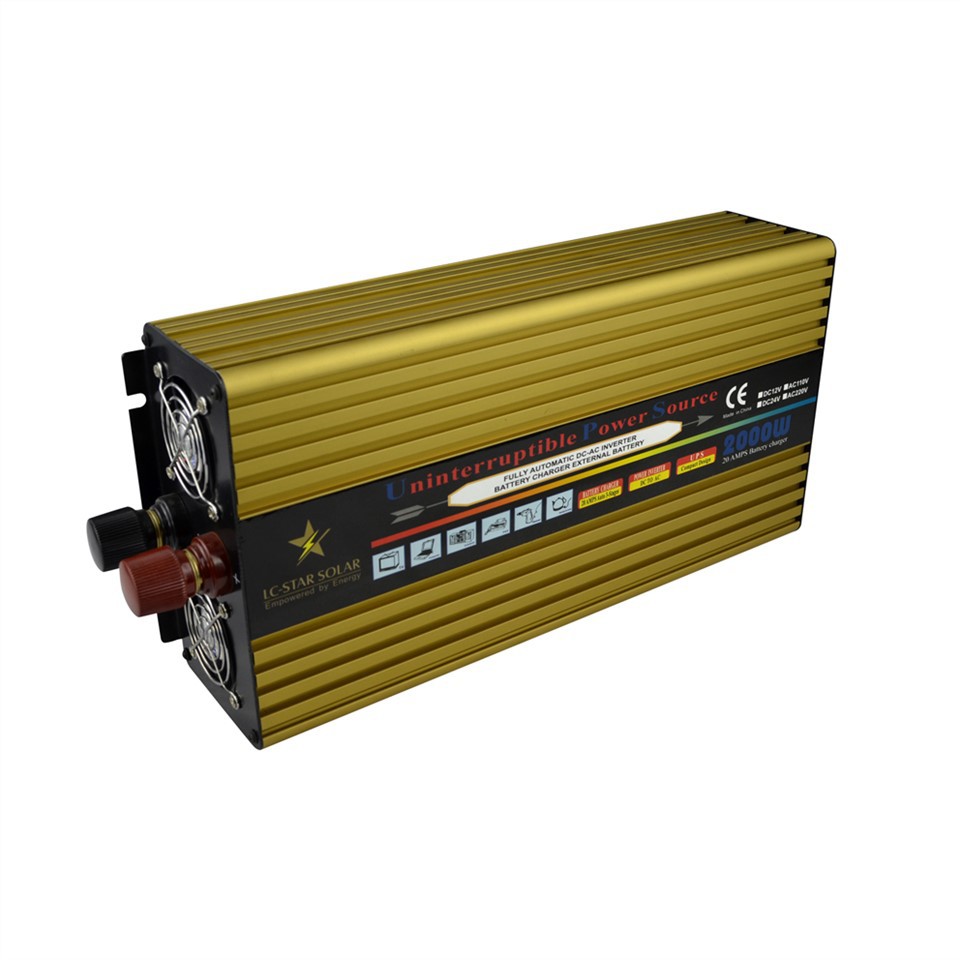

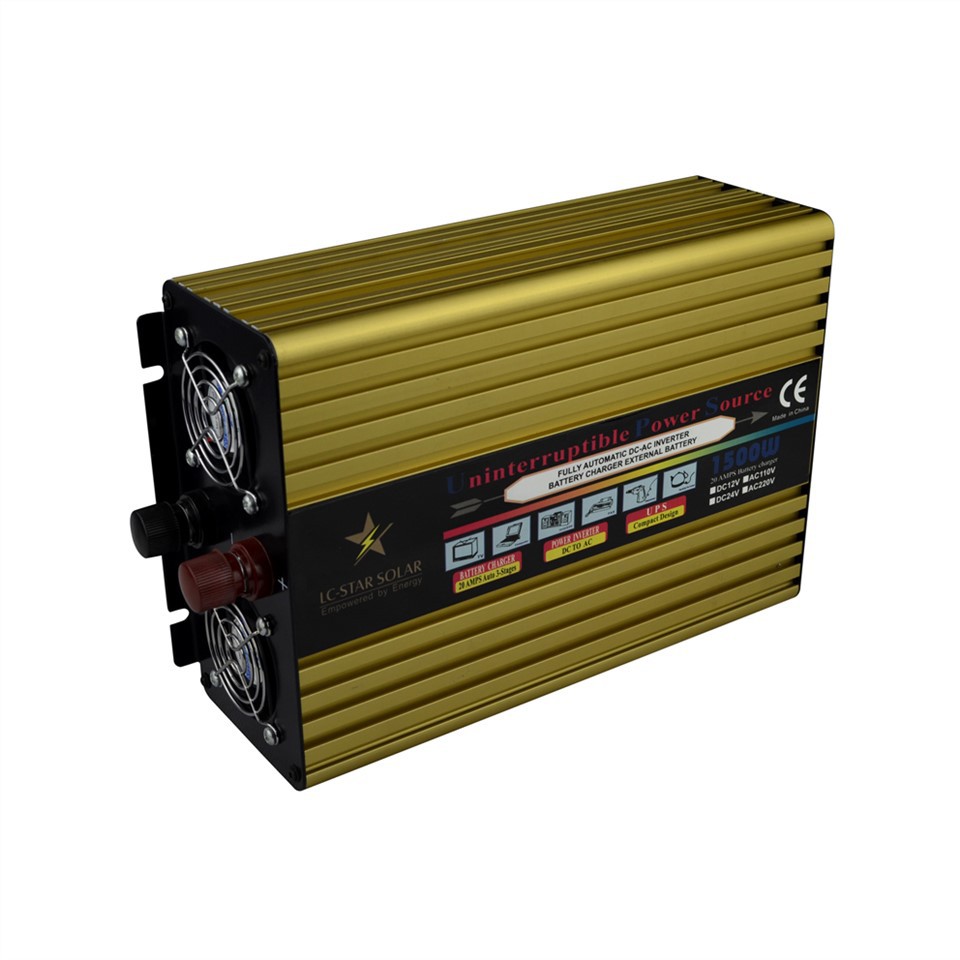
There are several types of UPS systems, each designed to meet different needs based on power quality, backup time, and price. Understanding the different types can help you select the best system for your situation.
Offline UPS Systems
Offline (or Standby) UPS systems are the most basic and affordable option, ideal for home or small office setups. These systems only provide backup power when the main power supply fails, automatically switching to battery mode when an outage occurs.
While they offer essential protection against power interruptions, they are less suited for sensitive or high-performance equipment that requires a consistent and clean power supply.
Online UPS Systems
Online UPS systems provide the highest level of power protection. These systems continuously supply power to connected equipment, ensuring no interruption, even during power fluctuations. An online UPS constantly runs its inverter to provide power, delivering "clean" and stable electricity to sensitive equipment.
This type of UPS is often used in environments where uptime is critical, such as data centers, hospitals, and manufacturing plants. While online UPS systems offer superior protection, they are typically more expensive and can consume more energy.
Interactive UPS Systems
Interactive (or Line-Interactive) UPS systems combine the features of both offline and online systems. These units can regulate voltage fluctuations without switching to battery mode, making them an efficient option for businesses and home offices where power surges and sags are common but not prolonged.
The interactive UPS is an ideal middle ground between cost and performance, offering better protection than offline UPS systems while being more affordable than online systems.
What Type of Output Does Your Equipment Require?
UPS systems vary in the type of output waveform they produce. The waveform refers to the electrical signal sent to connected devices. Depending on your equipment, the type of output can make a significant difference in performance and protection.
Square Wave Output
The most basic and least expensive UPS systems generate a square wave output. While these are fine for simple devices such as lights or basic appliances, they may not be suitable for more sensitive or advanced electronics like computers, servers, or medical equipment. These systems can result in equipment malfunction or damage over time due to the irregular power supply.
Modified Sine Wave Output
Modified sine wave UPS systems offer a more stable power output compared to square wave systems but still fall short of delivering the pure sine wave that some high-end electronics require. They are suitable for many household devices and some small office equipment, though they may not be appropriate for sensitive electronics that require more consistent power.
Pure Sine Wave Output
A pure sine wave UPS provides the highest quality power supply, replicating the smooth, consistent flow of electricity from the grid. This is essential for sensitive equipment such as high-end servers, medical devices, or audio-visual equipment. These systems tend to be more expensive but offer the best protection and performance for critical electronics.
How Long Will the Battery Last?
A key consideration when selecting a UPS system is battery life. The type of battery, along with its size and age, will affect how long the UPS can provide backup power.
Battery Types
The two most common types of UPS batteries are lead-acid and lithium-ion. Lead-acid batteries are more affordable but have a shorter lifespan and lower efficiency. They typically need to be replaced every 3-5 years.
Lithium-ion batteries, on the other hand, are more expensive initially but last longer, are more efficient, and require less maintenance. Depending on your needs and budget, you may choose one over the other.
Expected Battery Life and Maintenance
It is essential to consider the longevity of the UPS's battery. Some systems come with easily replaceable batteries, while others require more complex maintenance. Be sure to check the estimated battery life and factor in potential future replacement costs.
What Size and Space Constraints Do You Have?
UPS systems come in various sizes, from compact units suitable for home use to large rack-mounted models for enterprise-level operations. Before purchasing a UPS, ensure that you have sufficient space for the system.
If you have limited space, a smaller, wall-mounted UPS system might be suitable for home use. For larger installations, ensure that the UPS is properly integrated into your server or data center environment, with adequate airflow and cooling mechanisms to prevent overheating.
Do You Need Smart Features?
Some modern UPS systems come with additional features that can be helpful in maintaining power and ensuring the smooth operation of your equipment.
Remote Monitoring and Alerts
For businesses, it can be beneficial to have a UPS with remote monitoring capabilities. These systems allow you to track the performance of the UPS, including battery life, power output, and potential issues, through a smartphone app or web interface. This can help you address problems before they lead to equipment damage or power loss.
Power Management Software
Many UPS systems come with software that allows you to configure settings, monitor power consumption, and schedule shutdowns during long power outages. These tools can be especially useful for businesses that rely on high-availability systems.
What Is Your Budget?
Finally, the cost of the UPS system must align with your budget. While it may be tempting to opt for a cheap option, it is important to weigh the potential cost of equipment failure, data loss, or downtime in case the UPS does not provide adequate protection. Consider the upfront cost as well as the potential long-term savings in energy efficiency and equipment longevity when making your decision.
Choosing the right UPS system requires careful consideration of your power needs, the types of devices you need to protect, your desired runtime, and your budget. By evaluating these factors and understanding the different UPS types and features, you can select a system that best fits your needs. Whether you are protecting home electronics or ensuring business continuity, a reliable UPS system can prevent costly downtime and equipment damage caused by power disruptions.